Do you have a WordPress website and need help finding where to add CSS code? You can do this simple task in multiple ways. But it has been complicated with the introduction of block themes like Twenty Twenty-Three, where you build your...
Do you have a WordPress website and need help finding where to add CSS code? You can do this simple task in multiple ways. But it has been complicated with the introduction of block themes like Twenty Twenty-Three, where you build your...

Today, I'll introduce you to Notepad++, one of my favorite Windows programs, which I use more than any other, except for Google Chrome. I'll guide you through a quick tutorial about what I like most about it and how it's a versatile...

Today's tutorial is for WordPress beginners or intermediate users who want a refresh on the current features. We will cover all the basics, starting with acquiring your domain name and hosting, while providing a comprehensive tour of...

WordPress recently launched the new Twenty Twenty-Three theme alongside version 6.1 of the core content management software. Like all the yearly themes developed by the WordPress team, it's bare-bones when first installed and...
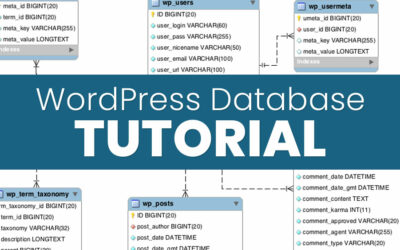
If you’re a beginner or intermediate WordPress user, it helps to have a look behind-the-scenes at the WordPress database. That’s what hooks into the admin area you’re probably familiar with to customize and generate your website. A...

One of the biggest complaints about WordPress is that it's hard to customize all areas of your site, from the header to the footer. Well, now, with the latest version of WordPress, you have more control than ever with full-site editing...